






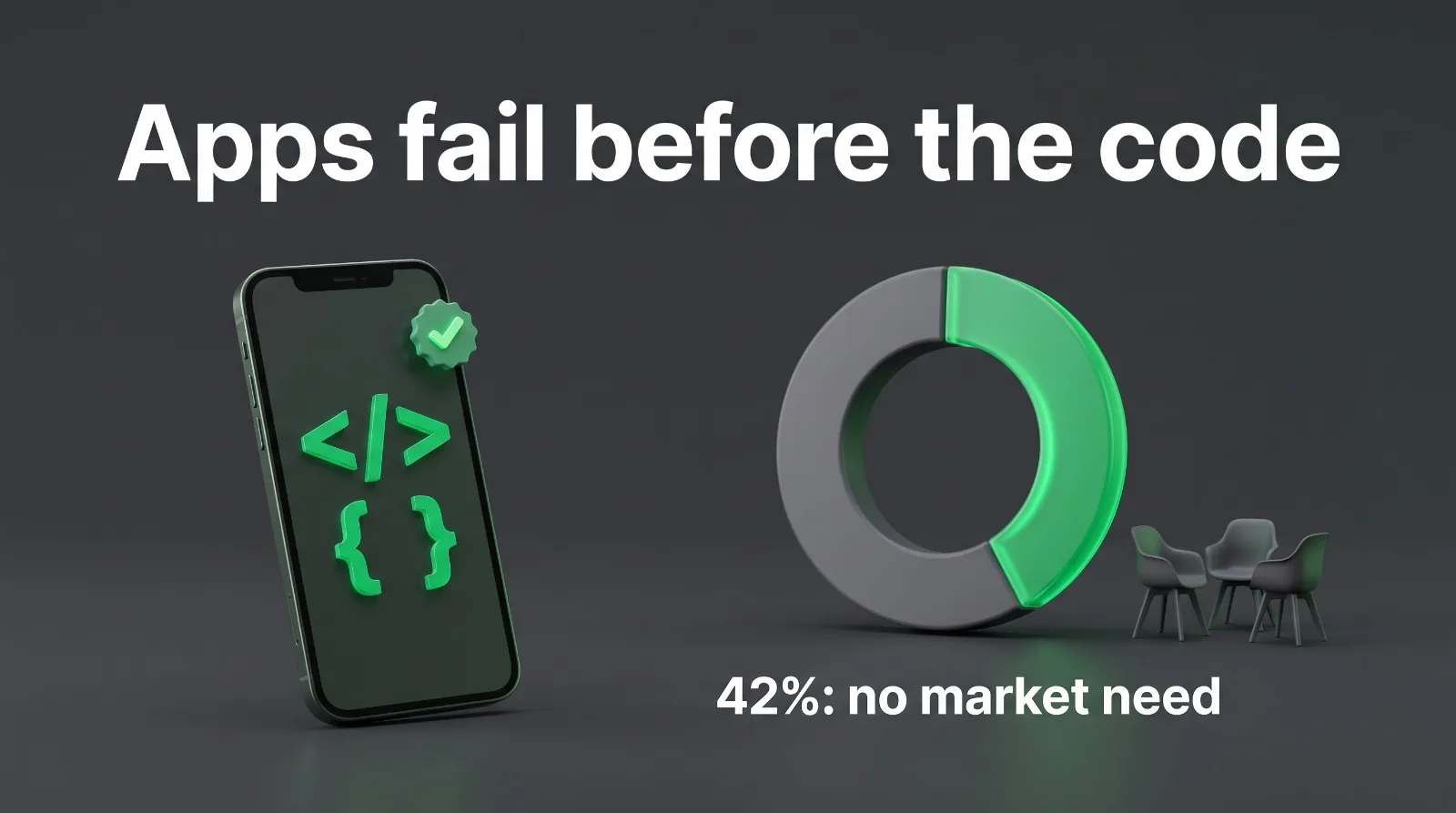
Most apps do not fail because the code is bad. They fail before the first line of code is written — the wrong thing gets built, for the wrong people, with no plan for what happens after launch. CB Insights has read hundreds of startup post-mortems, and the same reason keeps coming first: no market need, cited in about 42% of cases. Their 2024 update put poor product-market fit at 43%. The app itself is rarely the problem. The decisions around it are.
If you are planning an app for your startup, these are the ten mistakes worth avoiding — and what to do instead. Mobile app development for startups tends to go wrong in the same few places, and almost all of them can be fixed on paper before anyone writes code.
1. Building before checking anyone wants it
This is the most expensive mistake on the list, and the most common. A founder has an idea, hires a team, and six months later discovers that the people the app was built for do not care enough to download it, let alone pay for it. The build was fine. The assumption was not.
Talk to 10–20 people from your actual target audience before you commit to a build. Not friends, not your team — strangers who match the user you have in mind. Ask what they do today instead of your app, and what would make them switch. If you cannot find ten people willing to try a rough prototype, that is the answer. A simple landing page with a waitlist tells you more in two weeks than a finished app tells you in six months.
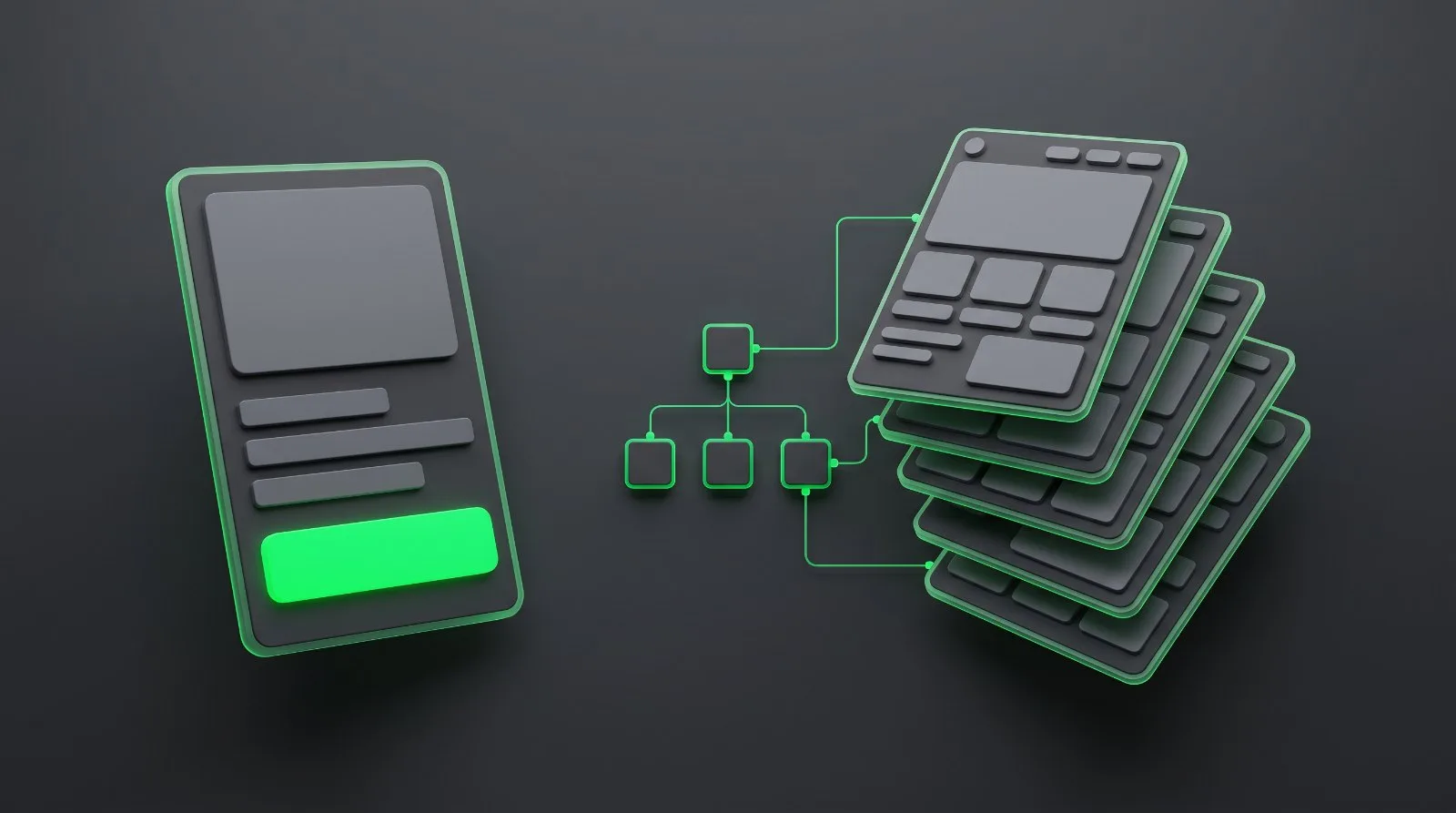
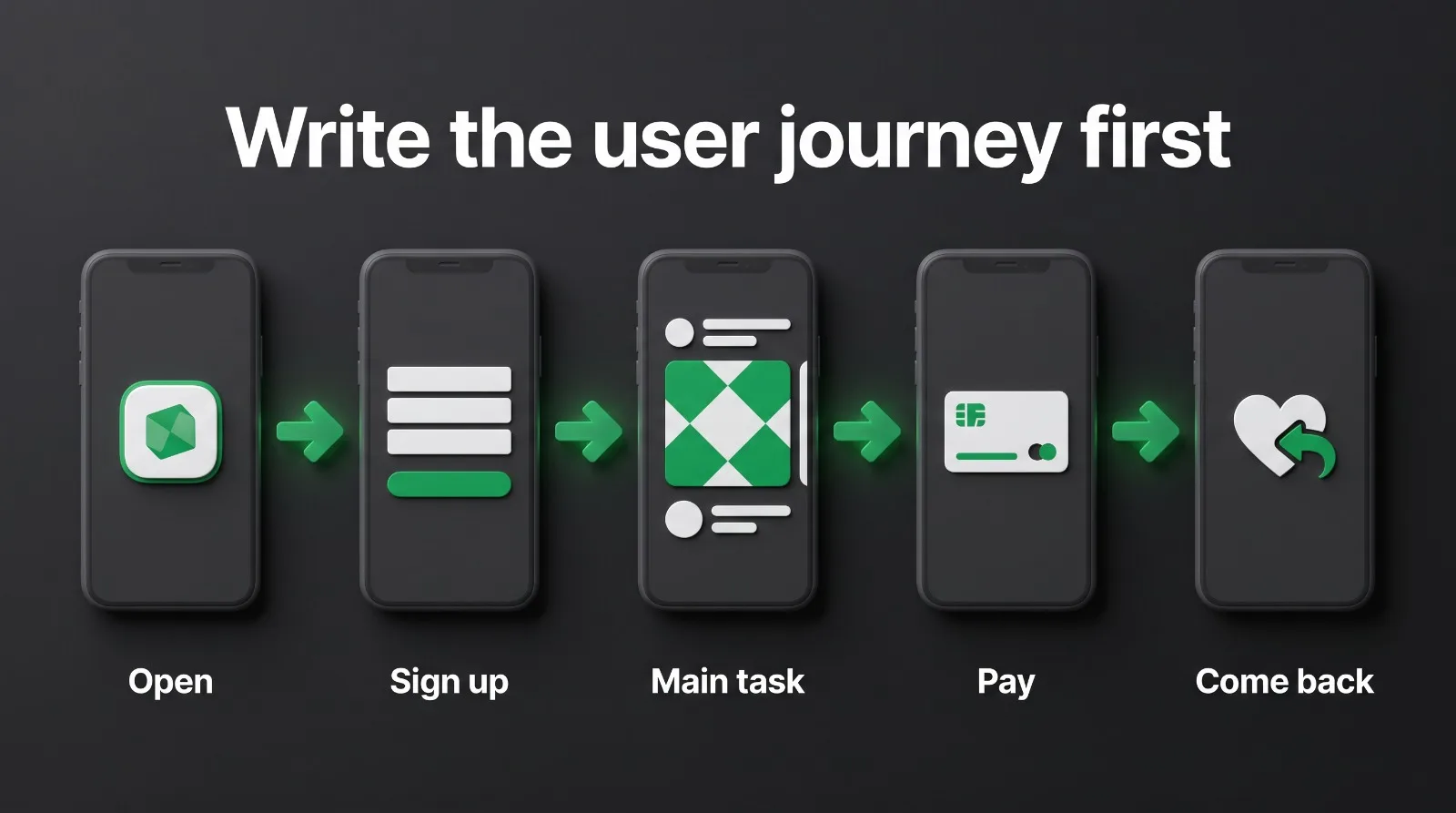
There is one more thing we ask for before a build starts: a simple document of the user's journey — what the user does, step by step, from opening the app to getting what they came for. Most clients come to us with only an idea and no picture of that journey, and without it even a good agency is guessing. If you are handing an app to a company, an agency or a freelancer, write that journey down first. It is the clearest brief you can give, and it stops half the mistakes on this list before they happen.
2. Cramming everything into version one
Every founder has a list of features. The mistake is building all of them at once. A first version with twenty features takes three times as long to build, is harder to test, and teaches you nothing — because when users do not come back, you cannot tell which of the twenty features was the problem.
Pick the one job your app must do better than anything else, and build that properly. Everything else goes on a list for version two, ranked by what real users ask for after launch. A small, sharp first version that people actually use beats a big one that nobody finishes setting up.
We have seen the opposite problem just as often: the first version is built, and then the client remembers the feature that actually makes the money. One project we worked on started as a simple redirect app — nothing else needed, the client said. After launch, they realised the subscription option was missing, and without it there was no way to earn from the app. So the subscription was added afterwards. Then something else they had forgotten, and that was added afterwards too. It happens a lot. The fix is the same: write down the full journey — including how the app earns — before the build starts, not after it ships.
3. Designing for one phone and hoping the other works out
iPhone and Android users expect different things — navigation, gestures, even how a back button behaves. An app designed only on an iPhone and never tested on a real Android device will feel wrong to half its users, and the reviews will say so.
If your audience uses both, build for both from the start — that is what iOS and Android app development means in practice — and test on real devices, not only in a simulator. The extra testing time is small compared with the cost of fixing a broken first impression after launch.
4. Forgetting the app stores' 2026 rules
The stores are not a formality at the end. In 2026, Google Play has real gates that can block a release entirely: since 31 August 2026, new apps and updates must target API 36 (Android 16); Android developer verification enforcement started on 30 September 2026 and is expanding worldwide in 2027; and a brand-new personal developer account has to run a closed test with at least 12 testers for 14 days before it can go to production. Apple has its own review rules, and review times and requirements change through the year.
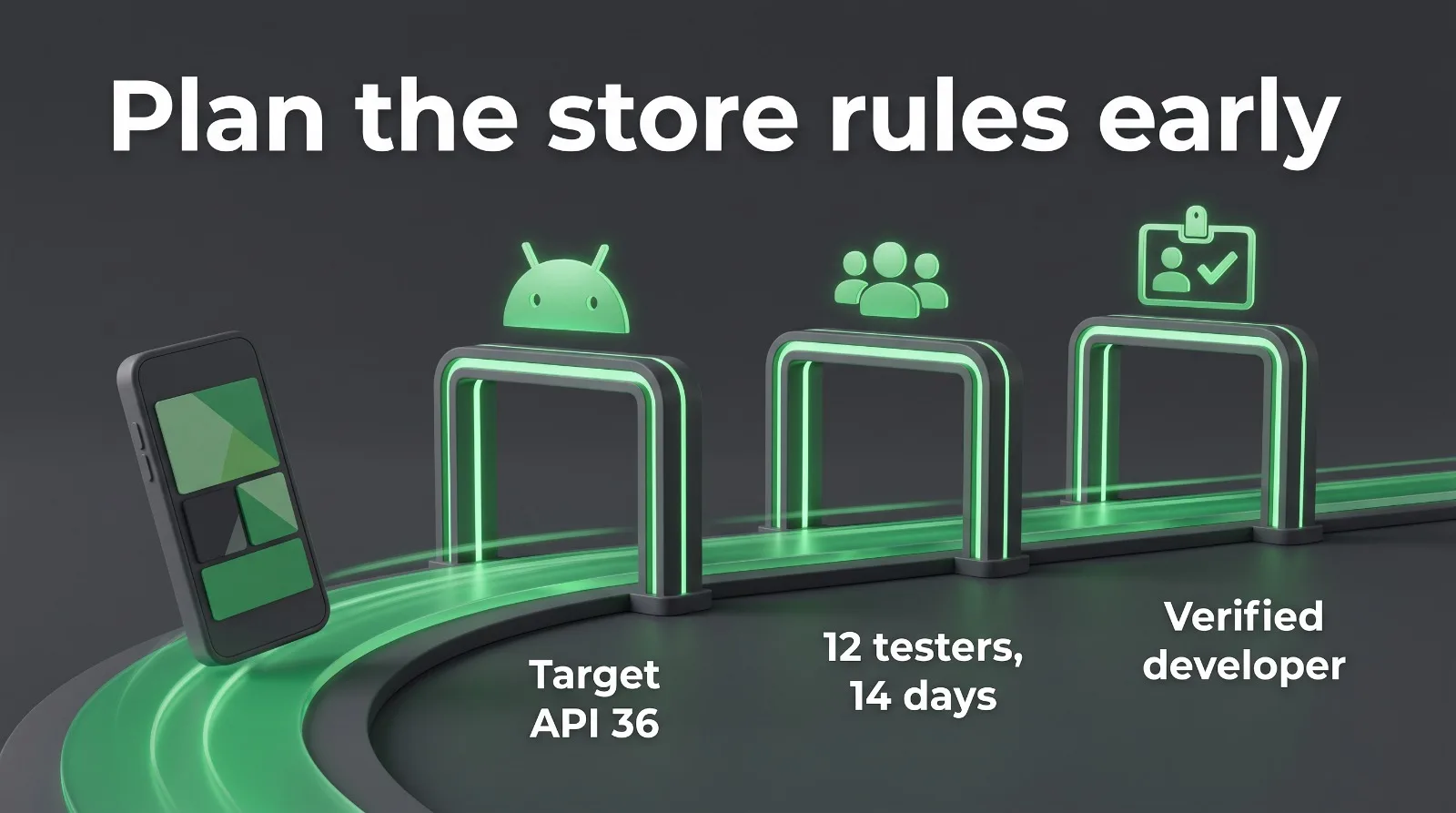
None of this is difficult if it is planned in. All of it is painful if it is discovered in launch week. Check the store requirements when the build starts, not when it finishes — and make sure someone on the project owns the store accounts, the privacy policy and the data safety form.
5. Budgeting for the build and nothing after it
An app is not a website you launch and leave. Phones update, operating systems change, store rules move, and libraries your app depends on get replaced. A common rule of thumb in the industry is to budget 15–20% of the original build cost every year just to keep an app working properly — before adding any new features at all.
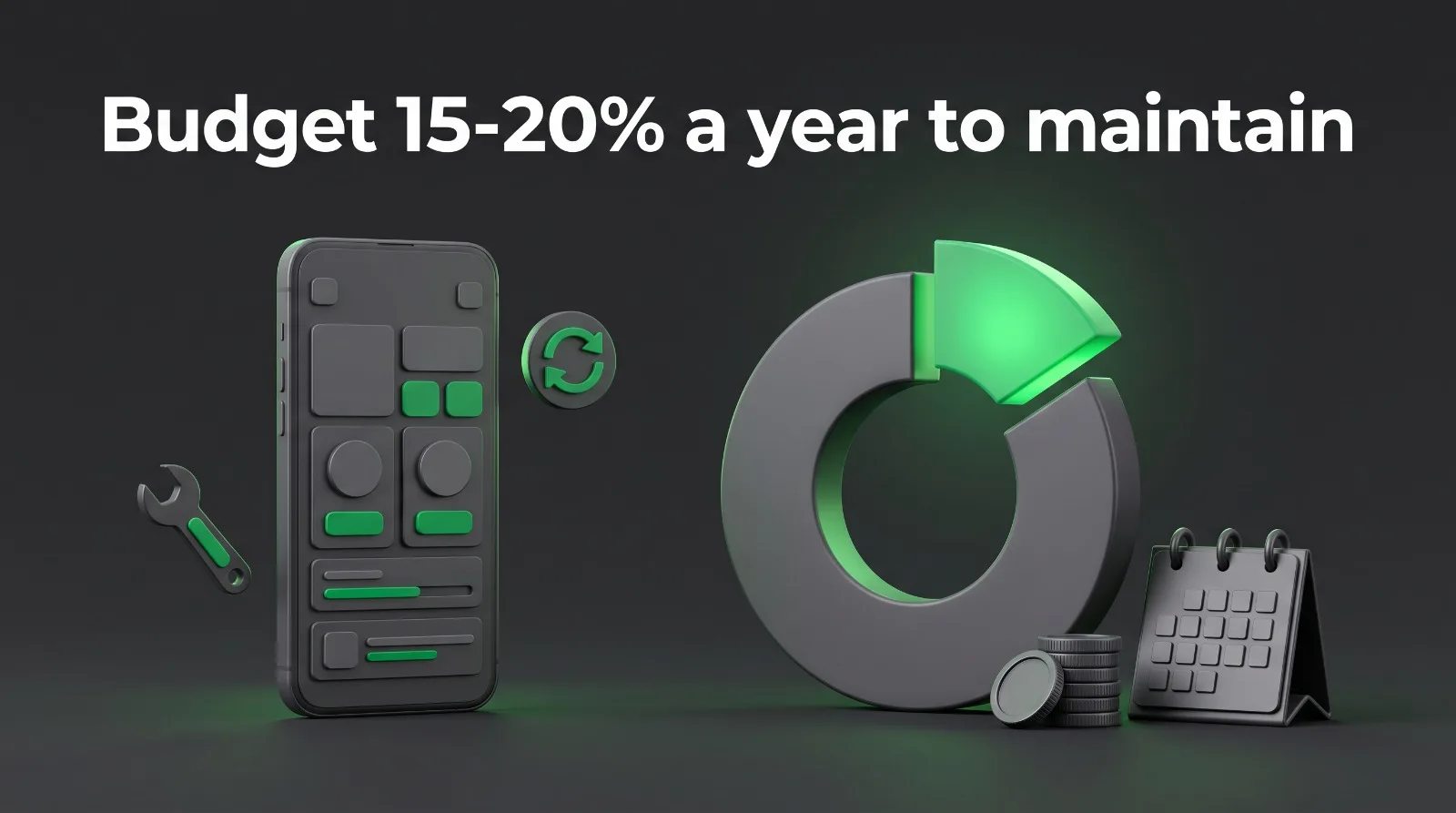
Founders who plan only for the build price run out of money in year two, and the app slowly breaks: features stop working on new phones, the store demands an update, and there is no budget left to do it. Agree the year-two cost before you sign for year one.
How we handle it: the first month after launch is free, so the client faces no issues in the beginning. If the client wants a new feature added after that, it is paid work — that is clear from the start. And when an app grows — more customers, more usage — maintenance is not optional any more, it is required. An app that scales without anyone looking after it is an app that breaks in front of its users.
6. Adding AI because everyone else is
In 2026 every pitch deck has an AI feature. The mistake is adding one because it sounds good, not because it solves a problem your users have. An AI chatbot nobody opens, or a "smart" recommendation nobody trusts, adds cost, slows the app down, and confuses the people using it.
Use AI where it does a job better than the alternative — sorting, searching, summarising, or personalising something the user already wants. If you cannot explain in one sentence what the user gains from it, leave it out of version one.
7. Launching with no way to learn what users do
An app without analytics is a guess. Founders launch, watch the download number, and have no idea whether anyone finishes signing up, uses the main feature, or leaves after thirty seconds. Then they argue about what to fix next, with no evidence.
Decide three to five things to measure before launch: sign-ups completed, the main action done, repeat use in week one, and where people drop off. That is enough. The point is not a dashboard full of numbers — it is knowing, after a month, exactly what to fix first.
8. Making sign-up the first thing a user has to do
Nothing kills a new app faster than a wall. Download, create an account, verify an email, fill in a profile, grant permissions — and only then see what the app does. Most people leave at step two.
Let people see the value first. Show the main screen, let them try the core feature, and ask for an account only when there is a reason — saving something, syncing, or paying. Every field you remove from the first run is more users who actually reach the product.
9. Treating privacy and security as paperwork
The stores now require a privacy policy and a data safety form before an app can ship, and users check permissions more carefully than they used to. An app that asks for location, contacts and photos on first launch — for no visible reason — looks careless, and the store review can stop it.
Handle this during the build, not after it: collect only the data the app needs, explain why in plain words, and write the privacy policy and data safety answers from the real list of what the app collects. It is a few hours of work at the right time, and a launch-blocking problem at the wrong time.
10. Having no plan to get the first users
"Build it and they will come" has never worked. The store does not promote new apps on its own, and an app with no users and no reviews is invisible in search. Founders who spend everything on the build and nothing on the launch end up with a finished product nobody has heard of.
Plan the first hundred users before the build ends: a landing page and waitlist, a store listing written around the words people actually search for, a launch announcement to your existing audience, and a simple way for early users to invite others. An app needs users to improve, and it needs a plan to get them.
The pre-build checklist
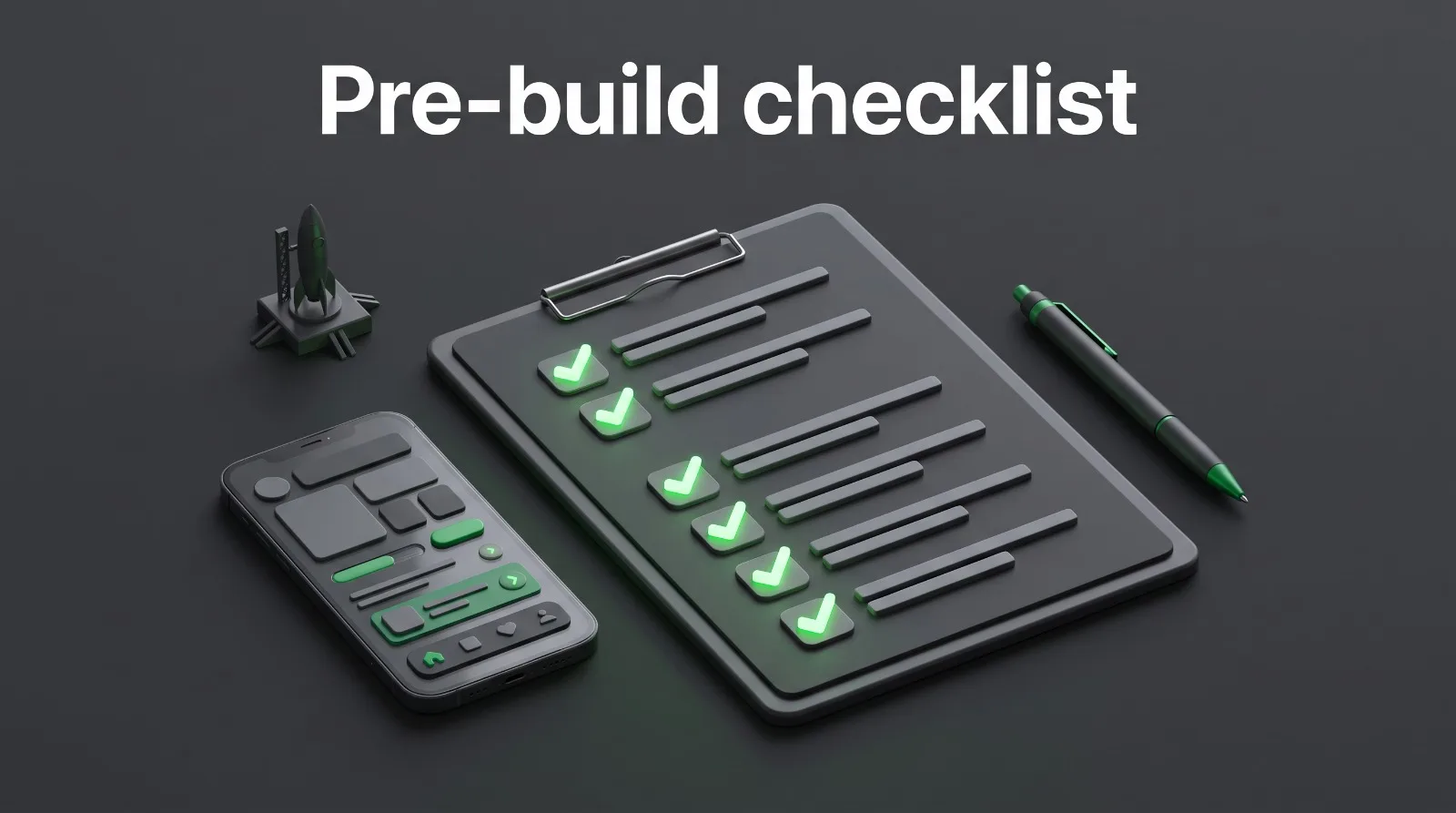
Before you hire a mobile app development company to build your app, you should be able to answer these in one line each:
- Who exactly is it for, and what do they do today instead?
- Do you have the user's journey written down — step by step, including how the app earns?
- What is the one job version one must do well?
- iOS, Android, or both — and why?
- What will it cost to keep running in year two?
- What three things will you measure in the first month?
- How will the first hundred users find it?
If any answer is blank, that is the work to do first. It is cheaper than building the wrong app.
How we build mobile apps at Raise My Business
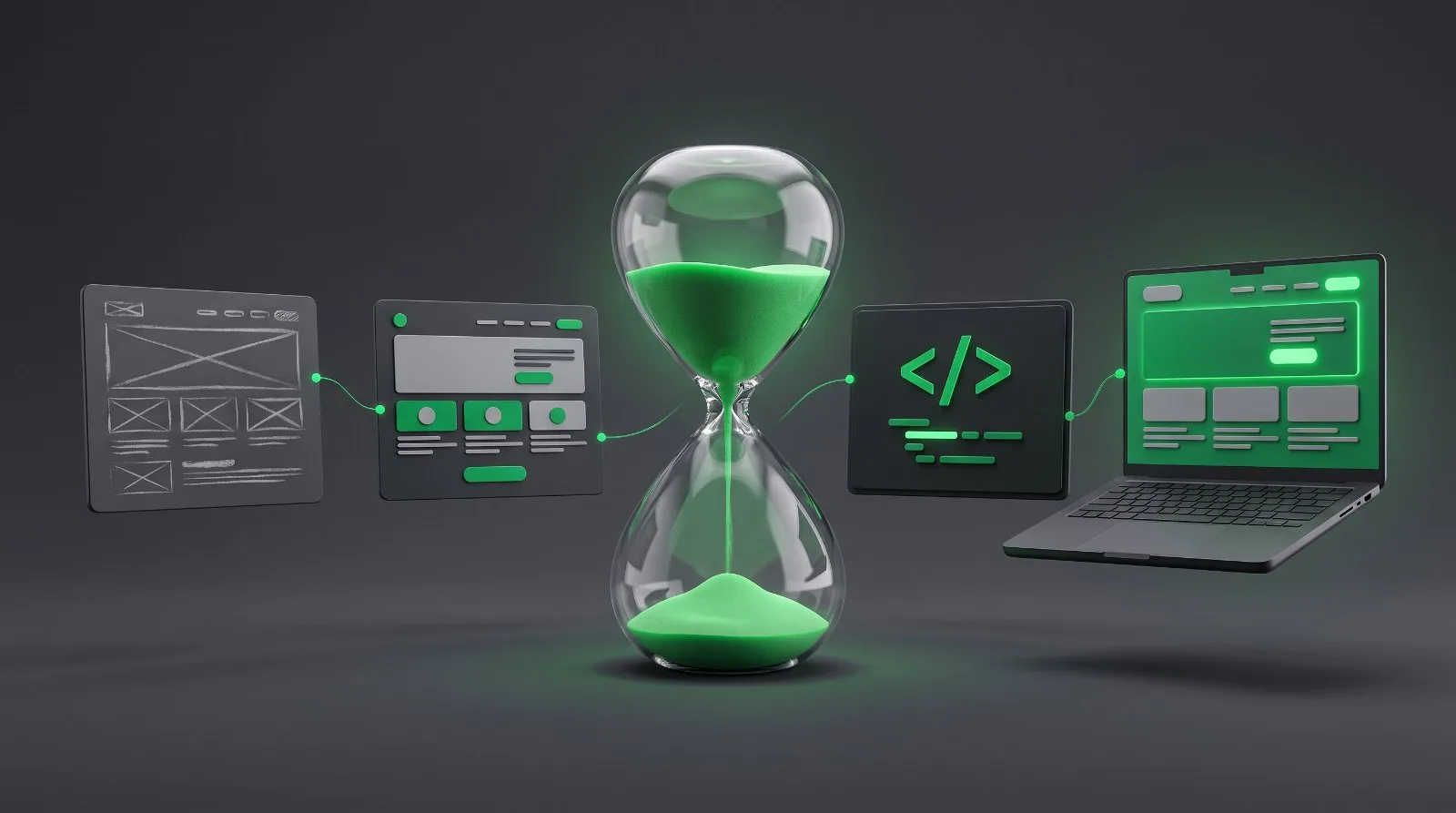
Our mobile app development services follow the same five steps on every project: validate the idea with real users, prototype the core flow, build for iOS and Android, launch with the store requirements handled, and maintain the app after launch so it keeps working as phones and store rules change. A focused first version is usually a matter of weeks; a full app with accounts, payments or integrations takes longer, and the exact timeline comes after a short scoping call. (For websites and web apps, here is how long a build usually takes.)
If you have an app idea and want a straight answer on what it would take, send a short description through the contact form or email [email protected]. Tell us the goal, the deadline and what "done" looks like, and we will tell you what we would build first — and what we would leave for version two.